Clean Baby Monitor Camera Lens Without Streaks: Guide
Achieve a crystal-clear view of your baby! Learn how to clean your baby monitor camera lens without streaks using the right tools and techniques.
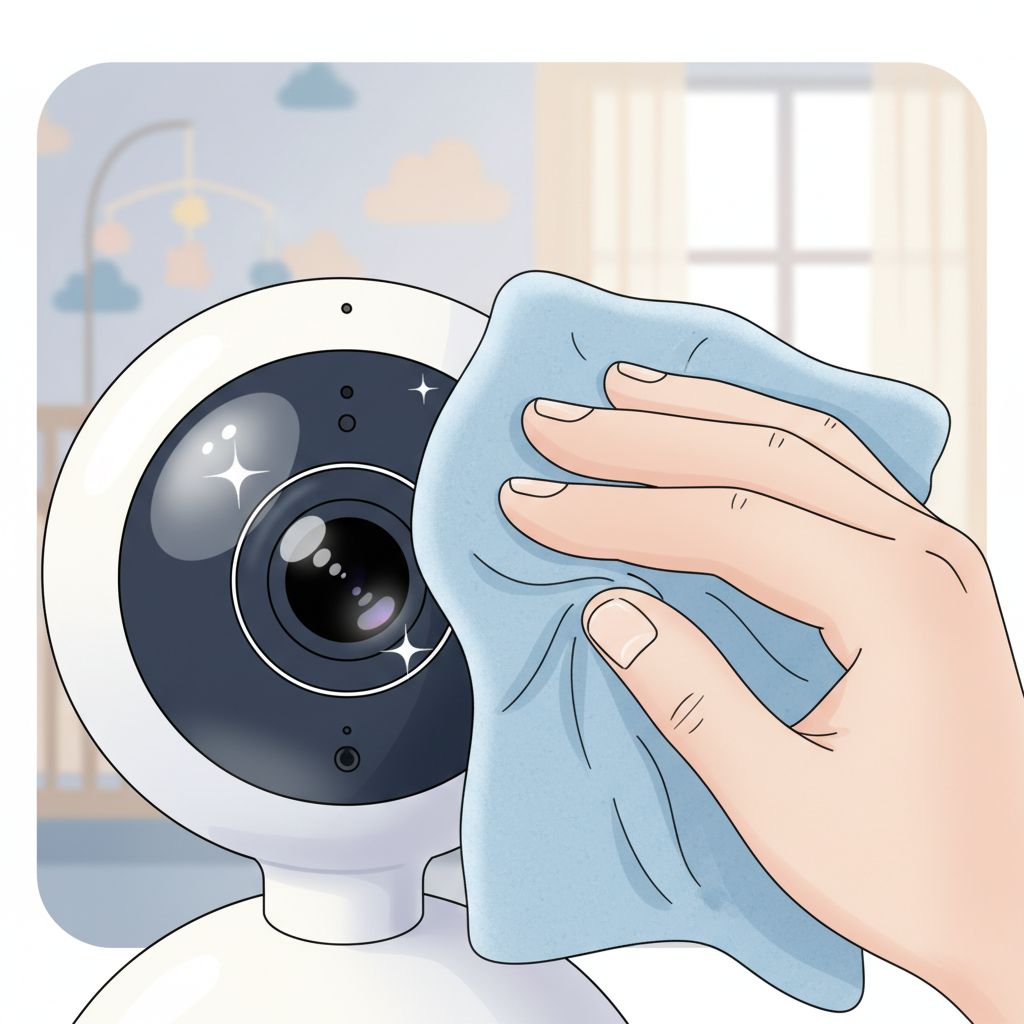
How to Clean Your Baby Monitor Camera Lens Without Streaks
Your baby monitor offers a precious view of your little one sleeping or playing. But what happens when that view becomes hazy, blurred, or streaky? Knowing how to clean your baby monitor camera lens without streaks is essential for maintaining that clear connection. Dust, fingerprints, and airborne particles can accumulate on the lens, diminishing picture quality. For parents, a blurred image can mean missing a crucial moment.
Why Your Baby Monitor Lens Gets Streaky (And Why It Matters)
Over time, the small, sensitive lens of your baby monitor can become a magnet for common household culprits. Dust particles, which are everywhere, settle on the surface. Fingerprints, left from handling the monitor or dusting nearby, create an oily film. Airborne particles, like cooking splatters or residue from air fresheners, can also coat the lens.
The blurry truth of a streaky lens goes beyond mere inconvenience. A consistently hazy or smudged view means you might miss subtle cues about your baby's behavior or comfort. Is that a yawn or a whimper? Is your baby stirring or fully awake? Ensuring a clear image allows you to interpret these moments accurately, providing peace of mind and informed responses.
Essential Tools for a Streak-Free Clean
When cleaning your baby monitor lens, using the right tools makes all the difference. Guidelines from camera experts, which apply to electronics like baby monitors, emphasize gentleness and precision.
The must-haves for a successful clean typically include:
- Microfiber cloths: These are specifically designed to be non-abrasive and highly absorbent, perfect for lifting dust and oils without scratching. Look for ones intended for lens cleaning or electronics.
- An air blower or a soft brush: A gentle puff of air from a bulb blower (often used for camera equipment) can remove loose dust particles before you touch the lens. A very soft, clean paintbrush can also help dislodge dust carefully.
- A specialized lens cleaning solution: These are formulated to break down grime without damaging lens coatings. You can often find small kits designed for camera lenses.
What NOT to use is just as crucial. Avoid:
- Paper towels or tissues: These can be abrasive and leave behind paper fibers.
- Regular cloth towels or shirts: These fabrics can have rough textures or unseen debris that will scratch the lens.
- Harsh chemicals: Ammonia-based cleaners, window cleaner, or solvents can strip protective coatings from the lens and cause lasting damage.
Step-by-Step: Cleaning Your Baby Monitor Lens Like a Pro
Achieving a crystal-clear view involves a systematic approach. Remember, the goal is to remove contaminants without introducing new ones or causing damage.
Gentle Dust Removal: The First and Most Crucial Step
Before applying any liquid or touching the lens with a cloth, use your air blower or soft brush. Hold the monitor so the lens faces downwards and give a few firm puffs of air. Gently sweep away any loosened dust with your very soft brush. This initial step prevents you from grinding dust into the lens when you start wiping.
Application Techniques: Spray, Wipe, and Polish to Perfection
If dust removal alone doesn't solve the issue, it's time for cleaning solution and a microfiber cloth.
- Apply solution to the cloth, not the lens: Never spray liquid directly onto the baby monitor camera lens. Instead, lightly dampen a fresh, clean microfiber cloth with your specialized lens cleaner. The cloth should be damp, not wet.
- Wipe gently: Using the dampened cloth, wipe the lens in a circular motion, starting from the center and moving outwards. Apply very light pressure.
- Dry and polish: Immediately after wiping with the damp cloth, use a dry section of the same microfiber cloth (or a separate dry one) to gently polish the lens. Again, use a circular motion outwards. This step removes any residual moisture and buffs away streaks.
Troubleshooting a Blurry Camera Lens: Beyond Just Cleaning
Discover your baby's phase
Sometimes, a persistent blur isn't just about surface grime. If cleaning doesn't resolve a blurry camera lens, consider other factors. Is the monitor too far from your baby's crib or play area, causing the autofocus to struggle? Is the lens itself scratched from a previous improper cleaning attempt? In some cases, the internal autofocus mechanism might be malfunctioning.
Mistakes to Avoid: Protecting Your Valuables
Fumbling with how to clean a baby monitor camera lens without streaks can lead to well-intentioned but misguided attempts. Knowing what not to do is as important as knowing the right steps.
The 'Vaseline' Myth: Why It's a Bad Idea for Lenses
You might have heard of using specific household items for various cleaning tasks. However, theories suggesting things like Vaseline (petroleum jelly) for lens cleaning are dangerous. Vaseline is an oil-based substance that will leave a greasy residue, attract more dust, and can be extremely difficult to remove completely from a sensitive lens. It will certainly not help you clean your baby monitor camera lens clearly.
Understanding Lens Coatings: Why Delicate Care is Key
Modern camera lenses, including those in baby monitors, often have multiple coatings applied to enhance image quality, reduce glare, and protect the glass. These coatings are very delicate. Abrasive materials or harsh chemicals can easily strip these coatings, permanently degrading the clarity and performance of your camera. This is why sticking to lens-specific microfiber cloths and solutions is critical.
When to Call for Backup (Or a New Monitor)
If you've followed all the recommended cleaning steps and the lens remains smudged, scratched, or the image quality hasn't improved, it might be time to consult the manufacturer's manual. Sometimes, a particular model may have specific care instructions or known limitations. If the problem persists and you suspect a hardware issue, or if the lens appears physically damaged, it may be time to consider a replacement.
Maintaining a Clear View: Prevention is Key
The best way to avoid streaky lenses is to minimize grime buildup in the first place. A little proactive effort can save you cleaning time later.
Strategic Monitor Placement for Less Dust and Dirt
Consider where you position your baby monitor camera. Avoid placing it directly next to areas that generate a lot of dust, like vents that blow unfiltered air, near open windows where pollen can enter, or right above frequently used bookshelves. Keeping it on a stable surface away from high-traffic zones can help reduce airborne particles settling on the lens.
Regular, Gentle Upkeep to Keep Streaks at Bay
Monitoring your baby's room doesn't require a deep clean every week. A quick, weekly dusting with a dry microfiber cloth or a blast from an air blower can prevent dust from accumulating into a stubborn film. This gentle, regular maintenance is far more effective and safer for the lens than infrequent, aggressive cleaning.
Quick Cleaning Tips for Busy Parents
When you notice a slight smudge, resist the urge to wipe it with your sleeve. Instead, keep a dedicated, clean microfiber cloth readily accessible near where you store or use your monitor. A quick, gentle wipe with that cloth should be sufficient for most minor smudges, helping you maintain a clear view without needing a full cleaning session.
A clear view of your sleeping baby is a gift. By using the right tools and techniques, you can ensure your baby monitor lens remains clean and provides you with that precious, unobstructed connection. When in doubt about any cleaning product or method, always refer to your monitor's user manual.