Explain Screen Time Limits to 3-Year-Old Without Tantrums
Learn effective strategies to explain screen time limits to your 3-year-old and prevent tantrums. Discover tips for smoother transitions and a holistic approach to screen use.
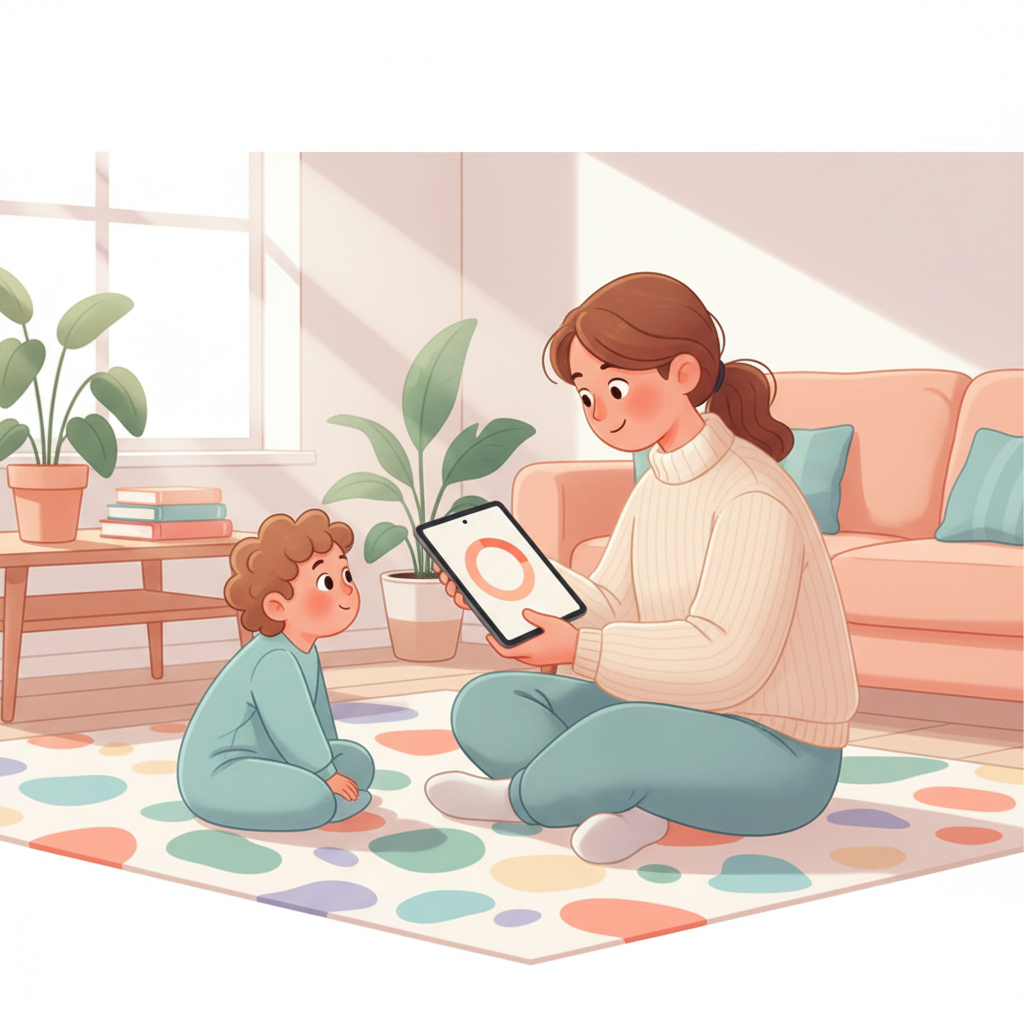
Explaining Screen Time Limits to Your 3-Year-Old (Without the Meltdown!)
Is your almost-preschooler glued to the tablet, and the screen time limit is approaching? Navigating how to explain screen time limits to a 3-year-old without a tantrum is a common parental challenge. It's about setting clear expectations and offering support during transitions.
Why Screen Time Can Be a Minefield for Little Ones (and Us!)
Three-year-olds are at a fascinating developmental stage. They're gaining newfound independence and constantly testing boundaries. Their understanding of time is still very nascent, making abstract limits like "30 minutes" difficult to conceptualize.
They are learning to assert their will. While this is a healthy sign of their growing autonomy, it can clash directly with the need for structure and parental guidance. This is especially true with engaging screen-based activities that can feel endless from their perspective.
Setting the Stage: Proactive Strategies for Smoother Transitions
The key to reducing screen time battles lies in preparation and clear communication before the allotted time ends. Making expectations clear upfront is crucial.
Give Them a Heads-Up Before the screen even turns on, state the duration for the session. "You can watch your show for 30 minutes." This sets the initial expectation. Then, offer a warning about 5-10 minutes before the time is up. "In 5 minutes, it will be time to turn off the tablet." This allows their brains to begin processing the upcoming change.
Visual cues and timers can be incredibly helpful for this age group. A visual timer where they can see the time ticking down makes the abstract concept of time more concrete. You can use a kitchen timer, a sand timer, or even a dedicated visual timer app on a phone.
The American Academy of Pediatrics (AAP) offers guidance on screen time use for children. For children ages 2-5, they recommend limiting screen use to 1 hour per day of high-quality programming. Ideally, parents should co-view media with young children to help them understand what they are seeing and apply it to the world around them. You can find their detailed recommendations here on the AAP website.
Here's a quick overview of the AAP's general screen time recommendations by age:
- Under 18 months: Avoid screen media other than video-chatting.
- 18-24 months: Choose high-quality programming and co-view with your child.
- 2-5 years: Limit children's screen use to 1 hour per day of high-quality programs. Co-view to help them understand and enjoy the content.
- 6 years and older: Place consistent limits on the time spent using media, and the types of media, and always ensure media does not take the place of adequate sleep, physical activity, and other essential behaviors.
How to Explain Screen Time Limits to Your 3-Year-Old
When it's time to end the screen session, use simple, direct language. Avoid lengthy explanations or negotiations.
"It's time to turn off the tablet now. Your 30 minutes are up." This is clear and concise.
Discover your baby's phase
Offering limited choices can empower your child and reduce resistance. Instead of just ending the screen time, you can say, "It's time to turn off the tablet. Do you want to play with your blocks first, or read a book?" This gives them a sense of control within the boundary you've set.
Distraction and redirection are powerful tools. If they're upset about the screen ending, immediately pivot to something engaging. "We're all done with the show! Let's go outside and swing!" or "Remember we were building that amazing tower? Let's finish it!"
Try to connect screen time with other activities. Frame it as part of a larger schedule. "After your show, we're going to have a snack, and then it's time to go to the park." This helps them see screen time as one piece of their day, not the entire focus.
Handling the Inevitable: When Tantrums Occur
Despite your best efforts, tantrums can and do happen when reducing screen time for a 3-year-old. It’s important to remember that this is a normal part of development, and your reaction makes a difference.
Stay Calm and Consistent Your demeanor is contagious. If you become flustered or angry, the situation will likely escalate. Take a deep breath and try to remain a calm, steady presence. This is also where consistency is key – if your limits waver, they’ll learn that tantrums can get them what they want.
It's okay to acknowledge their feelings without giving in. "I see you are very sad that your show is over. It's hard when fun things end." Validating their emotions helps them feel heard. However, the limit still needs to be upheld.
After the initial upset passes, reconnect with your child. Offer a hug, engage in a quiet activity together, and then gently reinforce the expectation for next time. This helps them understand that even after a difficult transition, you are there for them.
Reducing Overall Screen Time for a 3-Year-Old: A Holistic Approach
Working on screen time for a 3-year-old is part of a larger picture of creating a balanced, enriching environment. Think about how screens fit into your family's daily rhythm.
Creating a predictable schedule for your child can help. Knowing what to expect throughout the day—including playtime, meals, naps, and screen time—can reduce anxiety and resistance.
Actively offer engaging alternatives to screens. This means making other activities readily available and enticing. Think building blocks, art supplies, play-doh, puzzles, books, and outdoor play.
There are significant benefits of limiting screen time for kids. Research suggests that appropriate limits can support better sleep, improved attention spans, greater physical activity, and richer imaginative play. It also encourages more direct social interaction and language development.
Helping your little one understand and accept screen time boundaries is a process. By employing clear communication, visual aids, a consistent approach, and by offering engaging alternatives, you can navigate these transitions more smoothly, fostering a healthier relationship with technology for everyone.