5 Tips to Extend the Life of Your Owlet Sock Sensor
Learn practical tips endorsed by a mom of four on how to extend the life of your Owlet Sock sensor, including cleaning, charging, storage, and troubleshooting.
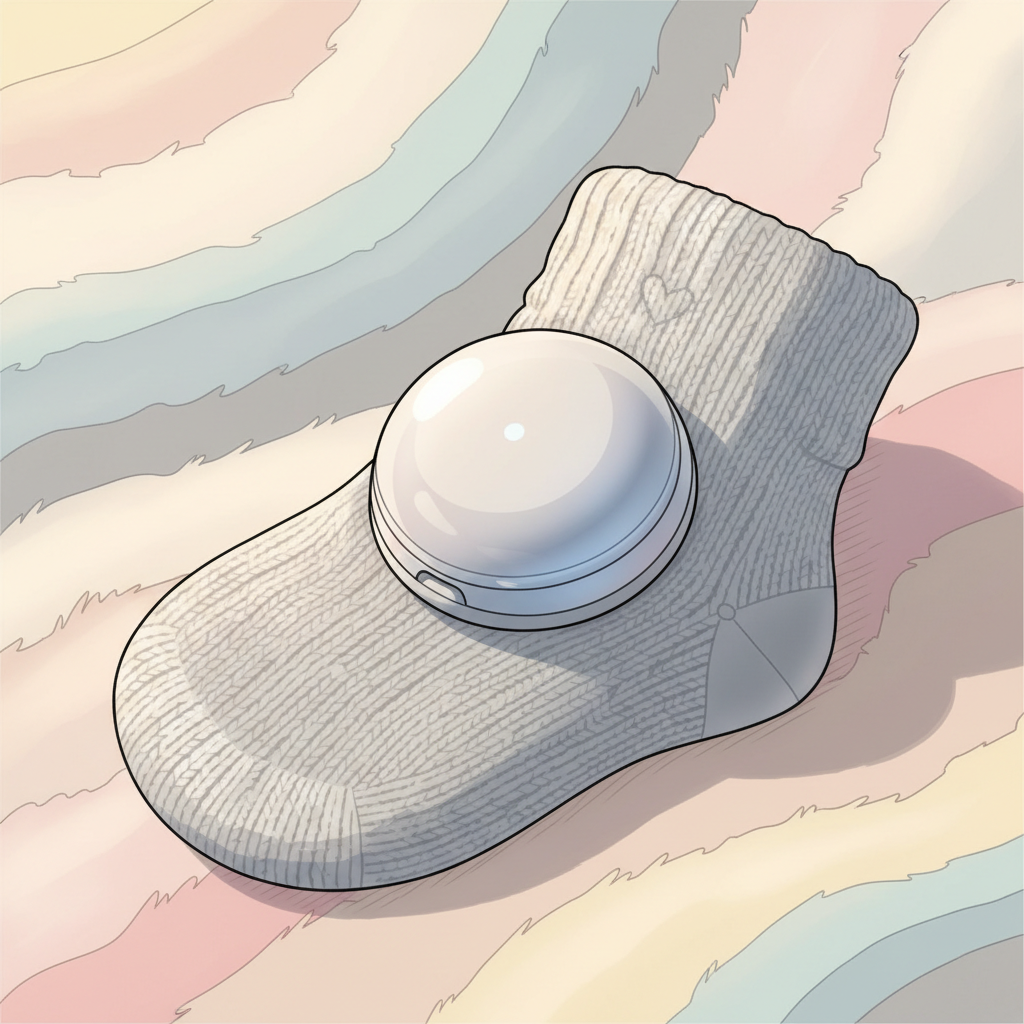
What Makes Your Owlet Sock Sensor Tick (And Occasionally Stop Ticking)
The Owlet Smart Sock is a clever piece of kit, designed to be gentle on your baby's skin while keeping track of vital signs. At its heart is a small electronic sensor—the part that actually does the monitoring—usually nestled inside the fabric sock.
Think of it like a tiny, sophisticated smartwatch for your baby. It has a battery, a small processor, and wireless transmitters. Over time, just like any electronic device, there are common wear and tear points. The charging contacts can get dusty or corroded. The fabric sock itself can stretch or develop small holes, especially with vigorous crawling or washing machine adventures. And, of course, the battery has a finite lifespan.
5 Smart Habits for a Longer-Lasting Sensor
It sounds simple, and honestly, it is. The biggest difference between a sensor that lasts for years and one that bows out prematurely often comes down to a few consistent, gentle habits. This isn't about obsessive care; it's about treating your valuable tool with a bit of respect.
The truth nobody tells you is that most of the "wear and tear" on these devices comes from everyday use, not catastrophic events.
1. Gentle Cleaning Techniques
After each use, especially with a newborn or little one prone to spit-up, a quick wipe-down is a good idea. Use a damp cloth with just water. Avoid harsh detergents or abrasive scrubbers, as these can damage the delicate electronics or the fabric. If you need to clean the actual sensor compartment, a slightly damp cotton swab can work wonders. Make sure everything is completely dry before placing it back on the charger.
2. Proper Charging Practices
This is critical for battery longevity. Follow Owlet's recommendations for charging. Generally, this means using the provided charging cable and power adapter. Avoid leaving the sensor plugged in for days on end after it’s fully charged, as this can degrade the battery over time. Some sources suggest that letting the battery fully discharge regularly isn't ideal for modern lithium-ion batteries either. Aim for a solid connection when charging so it doesn't interrupt the process.
3. Safe Storage Between Uses
When the sock isn't in use, store it somewhere clean and dry. Avoid extreme temperatures—don't leave it in a hot car or a freezing garage. A drawer or a shelf in the nursery is usually perfect. If the fabric sock is separate from the sensor, ensure they're stored together so you don't misplace the sensor. Keeping it in its original box or a small pouch can offer a bit of extra protection.
4. Avoiding the Washing Machine Monster
I’ve heard stories of sensors being accidentally tossed in the wash. Always, always double-check that the sensor is removed from the sock before laundering. Even then, some prefer hand-washing the socks to be extra safe.
5. Replacing Worn Socks Promptly
If the fabric sock gets too stretched out, the sensor might not sit snugly, leading to unreliable readings or the sensor falling out. Replace worn-out socks before they cause issues. For minor fabric tears on the sock (that don't affect the sensor placement), some moms use a small piece of fabric tape or a few careful stitches to reinforce them. Again, ensure nothing interferes with the sensor’s function or charging contacts.
Navigating Hiccups When Your Sensor Isn't Cooperating
Even with the best intentions, sometimes technology throws a curveball. You might notice your Owlet sock sensor not working as expected, or perhaps the battery life seems to be dwindling faster than usual.
When the Sensor Isn't Connecting or Charging
Discover your baby's phase
First, check the basics. Is the charging base plugged in and receiving power? Are the charging contacts on both the sensor and the base clean? A quick wipe with a dry cloth or a cotton swab can often fix connection issues.
Make sure the sock is properly seated on the charging base. Sometimes it needs a little nudge to click into place. Also, ensure your Owlet app is updated to the latest version, as software glitches can sometimes mimic hardware problems. If you’re experiencing persistent connectivity issues, it’s worth checking Owlet’s support resources or contacting their customer service.
"How Do I Know If My Owlet Sensor is Bad?"
This is the million-dollar question for many parents. If a sensor is truly bad, you'll likely see a combination of issues. This can include the sensor refusing to charge altogether, failing to connect to the base station even after cleaning and troubleshooting, or giving intermittent alerts or no alerts at all.
A significantly reduced Owlet sock battery life that can't be improved by proper charging practices is another tell-tale sign. If you've tried all the troubleshooting steps and the sensor still behaves erratically or is completely unresponsive, it's a strong indication that the sensor itself might be failing.
Your Options When Your Little Monitor Calls It Quits
It’s disheartening when a device that provides so much peace of mind stops working. But don't despair; there are usually steps you can take.
Can You Replace Just the Owlet Sensor?
Yes, in many cases, you can. Owlet typically sells replacement sensors and socks separately. This is usually much more affordable than buying an entirely new Owlet system. Check the official Owlet website or authorized retailers for these parts. This is your primary option if you need an Owlet sensor replacement and your original one is out of warranty.
Navigating Warranty and Replacement Programs
This is where looking after your sock sensor really pays off. Check your Owlet warranty information. Most manufacturers offer a warranty period for their products. If your sensor fails within that period and it's due to a manufacturing defect (not accidental damage), you might be eligible for a free replacement. Keep your proof of purchase handy!
Some parents also find success with their credit card companies, who may offer extended warranties on electronics purchased with their card.
Alternatives to Consider
If your sensor is out of warranty, and a replacement feels too costly, or you're just looking for other options, consider what you need from a baby monitor. Do you need continuous tracking for medical reasons, or are you looking for general peace of mind? Depending on your needs, there are other smart monitors, audio monitors, and video monitors available. Many parents also struggle with baby nap schedules and find that consistent monitoring helps with this. For those concerned about sleep environments, especially with multiple children, learning about creating a quiet sleep environment in shared rooms can be beneficial.
Real Mom Wisdom: DIY Fixes & Prevention Tips
The parenting community is a treasure trove of practical advice, especially for making tech last. While I don’t advocate for anything that voids a warranty, some clever moms have shared things that have worked for them.
Here are a few additional tips:
- Battery Rejuvenation (Use with Caution): Occasionally, a sensor might seem dead but might revive after a very specific charging sequence. This often involves cleaning contacts thoroughly and letting it charge undisturbed for an extended period (like 24 hours). This isn’t a guaranteed fix, and prolonged charging can sometimes harm batteries, so use your discretion.
The biggest prevention tip? Treat the sensor like the delicate instrument it is, and don't be afraid of its user manual or the manufacturer's support.
Remember, the Owlet Smart Sock is a tool to help you, not a source of stress. By understanding its limitations and adopting a few simple habits, you can significantly extend its useful life and continue to benefit from the peace of mind it offers. Give yourself grace, and remember that this phase of needing constant monitoring will pass.