Visual Timers for Toddler Screen Time: End Meltdowns!
Discover how visual timers can transform toddler screen time, preventing meltdowns and teaching time awareness. Get practical tips, DIY ideas, and troubleshooting advice.
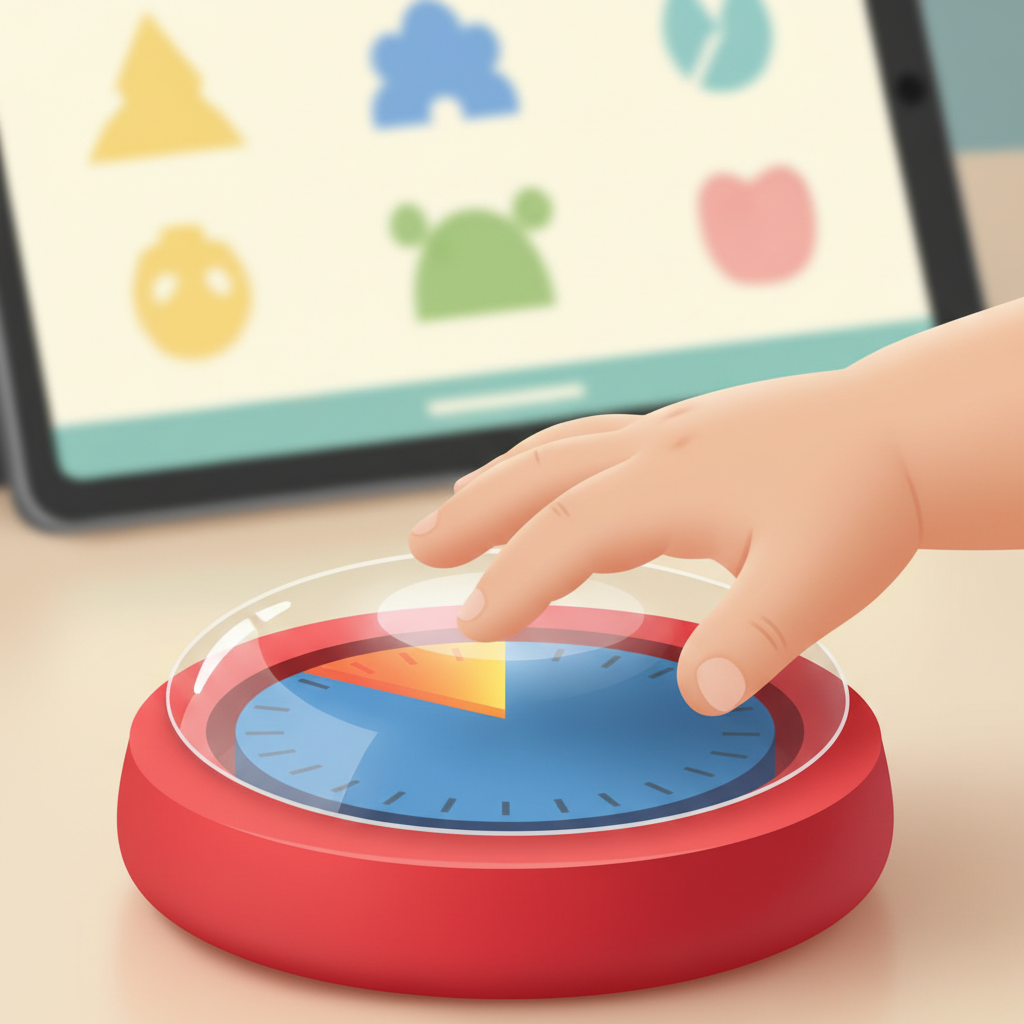
The Simple Magic of Visual Timers for Toddler Screen Time: Goodbye, Meltdowns!
Before you try another app or negotiation tactic, take a moment to observe your child. Watch how they engage with an activity they love. Notice the intensity, the focus, how they often lose themselves in the moment. Now, consider how they react when you interrupt that captivating world to say, "Time's up!" This abrupt shift can be jarring for a young child, especially when they have no concrete way to understand the passage of time. This is where using visual timers for toddler screen time without meltdowns can revolutionize your routine.
Toddlers live in the "now." Abstract concepts like minutes and hours are challenging, if not impossible, for their developing minds to grasp. They don't understand "five more minutes" in the same way we do. For them, it's here, then it's gone. This lack of temporal understanding is a common source of frustration, both for them and for us, and often leads to toddler screen time meltdowns. Introducing visual timers for toddlers offers a tangible, concrete representation of time, bridging that gap and fostering a sense of predictability that is crucial for young children. Routines and predictability aren't just about order; they are about creating a safe, secure environment where a child can thrive.
Understanding Time Through Little Eyes
A toddler's perception of time is an interesting thing. It's less about a ticking clock and more about the flow of events and their own internal rhythm. A period of play might feel like an eternity, while a short wait for a snack can feel like forever. They experience time through physical sensations – hunger, tiredness, the changing light outside. When we introduce a visual timer, we're essentially giving them a tool to see and understand this abstract concept. We're transforming the invisible ticking of a clock into something they can physically observe, empowering them to anticipate and adjust. This concrete approach is a cornerstone of screen time boundaries for toddlers.
The power of a visual timer lies in its ability to provide this concrete representation. Instead of a verbal command that can feel arbitrary, the timer offers a visual cue. For a child engaged in a brightly colored, captivating show or game, the visual countdown is a gentle warning, a physical manifestation of time running out. This predictability is an unsung hero in supporting a child's emotional regulation. When children know what to expect, their anxiety decreases significantly, making transitions smoother and reducing the likelihood of meltdowns when it's time to turn off the screen.
Choosing Your Visual Timer: More Than Just a Clock
The good news is that you don't need anything fancy to start. The market offers a variety of fantastic visual timers, but the underlying principle is simple: a way to see time passing.
Analog vs. Digital: What Works Best?
For younger toddlers (roughly 18 months to 3 years), analog timers often have an edge. These are typically sand timers or water timers where a physical substance moves from one chamber to another. The pure, unadulterated visual of glitter falling or colored water descending is incredibly captivating and easy to understand. They see the "time" diminishing before their eyes.
Digital visual timers are also excellent, especially for older toddlers and preschoolers (3 years and up). These versions often display a disappearing colored segment on a screen, or a countdown number accompanied by a visual representation. The key is that the visual aspect is prominent. Look for models that are durable, easy to set, and have a clear, distinct signal when time is up.
Top Features to Look For
- Clear visual countdown: Whether it's a disk disappearing, sand falling, or water flowing, the visual representation of dwindling time is paramount.
- Audible signal: A gentle chime or beep is helpful, but also consider timers with adjustable volume or an option to only have a visual cue.
- Durability: Toddlers can be rough. Opt for sturdy materials that can withstand being dropped occasionally.
- Ease of use: You'll be setting it frequently, so it should be quick and intuitive for you to operate.
- Safety: Ensure it's made from non-toxic materials and has no small, detachable parts if younger children might be around it.
DIY Visual Timer Ideas
Don't have a store-bought timer? No problem! You can create compelling visual time cues with items you likely have:
- Glitter Jars/Lava Lamps: Fill a clear bottle or jar with water, glitter, and a bit of glue (to make the glitter flow slower). Seal TIGHTLY. Shake it up and watch the glitter settle. This provides a beautiful, visual cue for short periods.
- Colored Water Timers: Use two clear plastic bottles. Fill one with colored water (food coloring works wonders). You can create a connection with a tube to allow the colored water to flow into the empty bottle, mimicking a sand timer. Again, secure all openings.
- Simple Drawing: For a very brief, focused activity, you could draw a circle on a piece of paper and divide it into sections. Color in one section for each minute or agreed-upon interval. As the colored sections disappear, time is passing.
These homemade options are fantastic for introducing the concept in a playful, low-stakes way and are particularly effective for ending screen time tantrums by making the transition predictable.
Introducing the Timer: Setting the Stage for Success
The way you introduce the visual timer is crucial. It needs to be presented as a helpful tool, a friend, rather than an enforcer.
Making it a Game, Not a Punishment
At first, involve your child in setting the timer. "Oh, look! This little timer shows us how much fun we can have before it’s time to switch gears. Let’s set it for 15 minutes of our favorite cartoon!" Frame it around the activity, not around "cutting short" playtime. This makes the timer a partner in fun, not an adversary. This positive framing is key to toddler screen time transition.
Consistent Language and Expectations
Use simple, clear, and consistent language. "When the red part is gone, it will be time to finish." Or, "The water is almost at the bottom – time for one more song!" Repeat the same phrases each time you use the timer. This consistency helps the child build understanding and trust in the tool. Setting clear expectations from the outset minimizes confusion and resistance.
Starting with Short, Predictable Sessions
Discover your baby's phase
If your child currently has longer screen time sessions, begin by using the visual timer for shorter, predictable chunks. Perhaps start with a 10-15 minute session and use the timer consistently for that duration. As the child becomes accustomed to the visual cue and the transition, you can gradually adjust the time if needed. This gradual approach is more effective than drastic changes.
Mastering the Meltdown-Free Screen Time Transition
With the timer introduced and the environment prepared, the real magic happens during the transition itself. This is where consistency truly shines.
The 'Five-Minute Warning' (and How to Use It)
This is where the visual timer truly becomes a superpower. As the time winds down, point to the timer. "Look, the red is almost gone! We have a little bit of time left." This isn't a threat; it's an observation. It gives the child a heads-up, allowing their brain to begin processing the upcoming change. For children who struggle with abrupt endings, this warning is invaluable and a crucial part of ending screen time tantrums.
What to Do When the Timer Rings (Every Time!)
This is the most critical part for building trust and predictability. When the timer goes off, calmly and firmly acknowledge it. "The timer is finished! Time to turn off the screen." Don't engage in lengthy debates or negotiations. Your consistent response signals that the timer's signal is reliable. This consistency is what minimizes screen time meltdowns.
If your child gets upset, acknowledge their feelings without giving in: "I see you're feeling sad/frustrated that screen time is over. It's hard to stop when you're having fun." Then, redirect them to the next activity in the routine. "Now it's time to go build with blocks."
How to Minimize Screen Time and Avoid a Tech Tantrum
The goal of the visual timer isn't just to end screen time peacefully; it's also about fostering healthier habits around screens.
- Offer irresistible alternatives: Have engaging, non-screen activities readily available and at the child's eye level.
- Co-play: Sometimes, joining in the non-screen activity for a few minutes can be the bridge your child needs.
- Use screen time strategically: Reserve screen time for moments when you truly need it, rather than as a default activity.
- Model healthy screen use yourself: Children are always observing.
Troubleshooting Common Timer Challenges
Even with the best intentions, there will be bumps along the road. It's how we R E S P O N D that matters.
When Your Toddler Ignores the Timer
This is common, especially at first. They might be deeply engrossed. Gently guide their attention to the timer. "See? The timer is done. Let's pause the show and get ready for our next activity." If they still resist, you might need to physically pause the screen briefly to get their attention. Reiterate your calm expectation: "Screen time is finished now. It's time for [next activity]."
Dealing with Bigger Feelings and Strong Reactions
Big feelings are a natural part of childhood, and transitions can bring them out. Remain calm and empathetic. Validate their emotions: "You are really upset that screen time is over." Avoid anger or frustration, as this can escalate their feelings. Offer comfort, and once they've calmed slightly, gently redirect them. Consistency is your best friend here.
Keeping Consistency in a Busy Household
Involve all caregivers (partners, grandparents, sitters) in the process. Explain the importance of the visual timer and the need for consistent responses. A visual schedule for screen time that includes everyone can be helpful. If one person consistently allows negotiation, the child will learn to hold out for that person. Unified front, happy household!
Beyond Screen Time: Other Uses for Your Visual Timer
The beauty of a visual timer is its versatility! It's not just for screen time; it’s a powerful tool for teaching time awareness and promoting independence across many areas of a child's day.
- Making Chores Fun: Use the timer for short, focused "clean-up sprints." "Let's see how many toys we can put away before the glitter goes all the way down!"
- Morning and Bedtime Routines: Use it to indicate how long a specific part of the routine should take, like getting dressed or brushing teeth. "We have until the water is at the bottom to get your pajamas on!" This can make these sometimes-dreaded tasks more manageable.
- Managing Independent Play: For children who struggle with shifting gears, a visual timer can help them understand that independent play will end at a certain point, reducing anxiety about the unknown.
The consistent, predictable rhythm that a visual timer brings can be incredibly reassuring for a child's developing mind. It empowers them with understanding and builds their capacity for self-regulation, one countdown at a time.
Try integrating a simple visual timer into one specific part of your child's day this week, beyond screen time. Notice the subtle shifts in their engagement and your own stress levels.