Implement Screen Time Rules Using A Visual Timer
Learn how to effectively implement screen time rules using visual timers. Discover tips for choosing the right timer, setting expectations, and managing transitions for a calmer home.
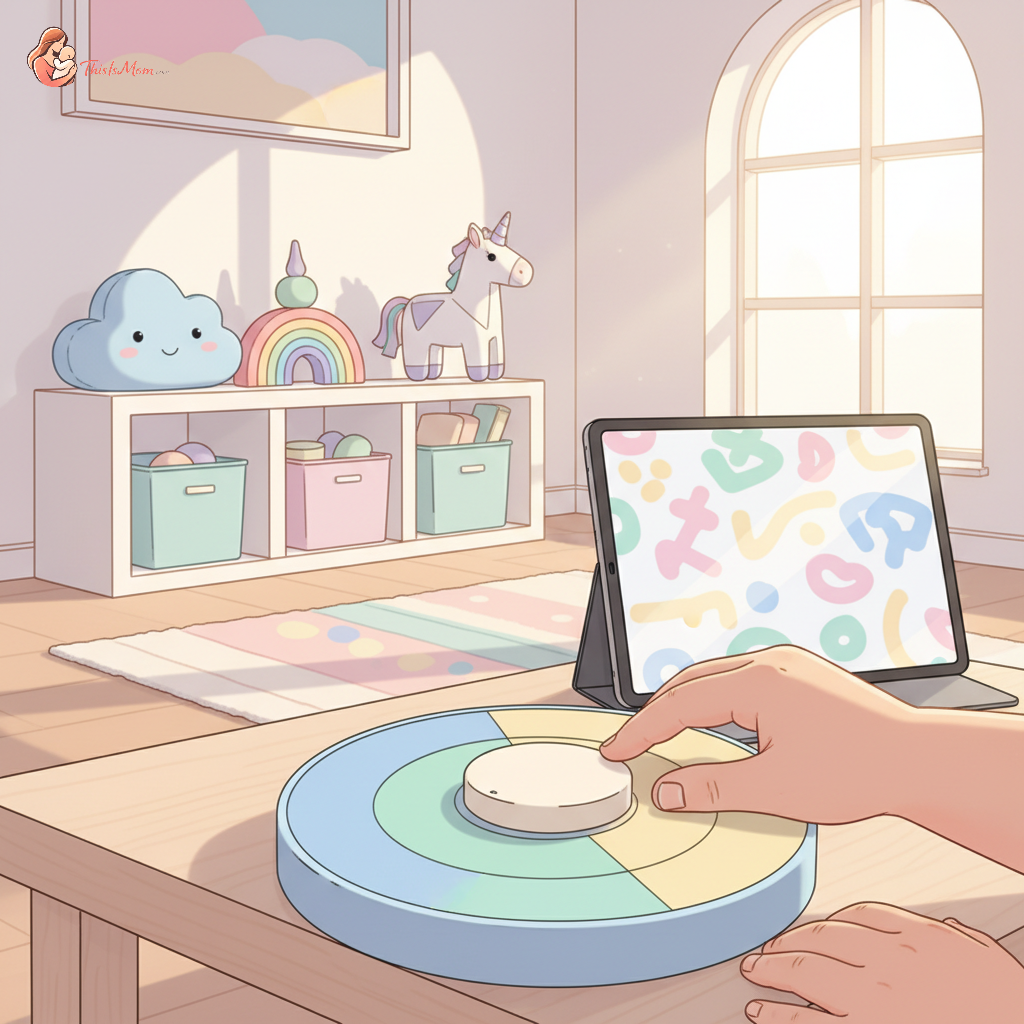
Transforming Screen Time Battles: A Montessori Parent's Guide to Visual Timers
Before reaching for another parenting book or online forum about screen time woes, take a moment to simply observe your child. Watch them when they're engrossed in an activity, notice their focus, engagement, and how they react when asked to shift gears. Often, struggles with transitions, particularly around screen time, stem from a place the child truly doesn't understand. They’re in the moment, and the abstract concept of "five more minutes" is simply lost on their developing minds. This is where the magic of a visual timer can truly change the game, offering a concrete way to manage screen time rules and fostering a more peaceful home.
Understanding the Shift: Seeing Screen Time Differently
Meltdowns that can erupt when screen time ends aren't usually about defiance; they're about a lack of preparation and understanding. For a young child, their world is experienced in the present. The notion of future time – five minutes from now, ten minutes from now – is abstract and difficult to grasp. When we simply announce that time is up, it can feel like an abrupt interruption to their focused world. This can lead to frustration, confusion, and yes, those dreaded tantrums.
A child's absorbent mind constantly takes in information from their environment, forming their understanding of how the world works. When we provide clear, tangible cues to support this understanding, we empower them. Visual timers offer a physical representation of time passing, making the abstract concept of duration concrete. This preparation helps the child feel more in control as they can see their time winding down, making the eventual transition less jarring. This is a key step in how to introduce screen time limits to a 3-year-old gradually.
Embracing a visual timer for screen time isn't just about avoiding conflict. It's about building trust and fostering cooperation. When a child can see time ticking away, they are more likely to accept the end of an activity because they have been given a heads-up. This leads to fewer power struggles, more cooperative transitions, and a generally calmer atmosphere in your home. It’s a simple yet profound way to support a child's developmental needs.
Choosing Your Timekeeper: Finding the Right Visual Timer
The world of visual timers is wonderfully varied, offering options to suit every age and household. When considering how to implement screen time rules using a visual timer, the first step is choosing the tool that best fits your family.
Analog vs. Digital Visual Timers
Analog visual timers, often featuring a disc that disappears as time elapses, are a classic choice. They offer a clear, intuitive visual representation of time. Many are colorful and engaging, making them appealing to young children. Digital visual timers, on the other hand, might display numbers that count down. Some offer a visual bar that shrinks or lights that change color. For very young children, the simple, disappearing color of an analog timer can be easier to understand than a numeric display.
Features to Look For
When selecting a visual timer for toddlers' screen time, consider a few key features. Durability is paramount, as little hands can be surprisingly strong. Look for timers made from sturdy materials. A clear visual cue – such as a color that disappears or a light that changes – is essential. Some timers offer an optional audible alert, which can be helpful but should be used judiciously. For younger children, you might prefer a timer without a loud beep, or one where the volume is adjustable. The goal is to provide a gentle nudge, not a startling interruption.
DIY Visual Timer Options
Don't underestimate the power of a homemade visual timer! If you're looking for screen time limits with timers that are incredibly low-cost, consider these ideas:
- You can create a simple visual countdown using a sand timer you might already have from a board game.
- Another option is to draw a large circle on a piece of paper, divide it into segments representing minutes, and have your child color in a segment for each minute that passes.
- For a slightly more involved project, you could attach small clothespins to a string representing minutes, and have your child remove one clothespin as each minute passes.
These at-home solutions can be just as effective, especially when you're first exploring managing screen time with visual cues.
Building the Bridge: Implementing Screen Time Rules with Your Timer
Introducing a visual timer is a process, not an event. It requires patience, consistency, and a belief in the child's ability to adapt and learn. Here's a practical approach to how to implement screen time rules using a visual timer.
Starting Simple: Introduce the Timer Together
The first step is to introduce the timer as a helpful tool, not a punitive device. Place it in a visible location and let your child explore it without immediate pressure. Show them how the color disappears as time goes by. You might say, "This is our special timer that helps us know when it's time for the next thing." Let them touch it, turn it, and get acquainted with its presence.
Setting Clear Expectations (and Sticking to Them)
Before screen time begins, clearly communicate the expected duration. "We will have screen time for 20 minutes today. Let's set our timer." Set the timer together with your child. This collaboration creates a sense of agency. It’s crucial to establish this routine consistently. If you waver on the agreed-upon time, the child learns that the timer is not a reliable boundary. This is especially important when considering how to transition off screen time without tantrums.
Discover your baby's phase
The Countdown: What to Do as Time Runs Out
As the timer approaches its end, use the visual cue to prepare your child for the transition. For a 20-minute session, you might say, "Look, the red is almost all gone! That means we have about 5 minutes left." As the timer finishes, you can say, "The timer has finished! It’s time to turn off the screen now."
Offer a clear next step: "After screen time, we will read a book," or "After screen time, it’s time to help prepare snack." This provides a concrete alternative and makes the transition smoother. The visual timer for toddlers' screen time has done its job of signaling the end.
Navigating the Bumps: When Your Child Still Resists
There will be days when, even with the best visual timer in place, your child still struggles with the transition. This is normal and presents an opportunity for guidance, not frustration.
Troubleshooting Common Timer Tantrums
If a tantrum erupts, remember the child is likely overwhelmed, not intentionally difficult. Avoid engaging in a power struggle or trying to reason extensively. Instead, acknowledge their feelings: "I see you're feeling sad that screen time is over. It’s hard to stop when you’re having fun." You might then offer a choice: "Would you like to hug your teddy bear, or will you help me put the timer away?"
If the child tries to manipulate the timer, ensure it's out of reach or use a more robust model. Sometimes, a child simply needs more time to process the end of an activity. If this is a recurring issue, consider slightly extending the transition warning period or shortening the screen time to begin with. The goal is to offer support through the difficulty, not to force compliance.
Consistency is Key: Reinforcing the Rules
The most powerful tool in managing screen time with visual cues is unwavering consistency. Every time screen time ends, the visual timer should be part of that predictable process. This repetition builds understanding and trust. The child learns, over time, that the timer is a reliable signpost.
Positive Reinforcement and Post-Screen Time Activities
When your child transitions smoothly, acknowledge and praise their effort. "You did such a great job listening to the timer! Thank you for putting the tablet away so quickly." This positive reinforcement can be more impactful than focusing solely on the moments of resistance. Plan engaging, screen-free activities for after screen time. This could be building with blocks, a sensory bin, drawing, or a short walk - anything that allows the child to explore and engage their environment. These activities help them shift their focus and remind them of the rich, tangible world beyond the screen.
Beyond the Screen: The Versatility of Visual Timers in Daily Life
Once you've successfully integrated a visual timer for screen time, you'll discover its incredible versatility in other areas of your child's day. These simple tools can be powerful allies in creating structure and fostering independence.
Making Chores Fun and Manageable
Even young children can help with household tasks. A visual timer can make "clean up time" feel less daunting. Set the timer for 10 minutes and say, "Let's work together to tidy up our toys before the timer goes off!" This turns a potentially tedious task into a focused challenge, and most children enjoy the race against time. For parents struggling with behavioral aspects, understanding how to handle toddler suddenly refusing previously loved foods after illness or similar battles might benefit from a similar structured approach.
Transitioning Between Activities with Ease
The sensitive period for order means that children thrive on routine and predictable shifts. Use your visual timer to signal upcoming transitions throughout the day. "We have 5 minutes left to play at the park before we need to head home for lunch." Or, "After this story, it will be time for bath." This gentle forewarning, powered by a visual cue, significantly reduces resistance during changes in activity. This can even be relevant when transitioning from highly stimulating shows like Blippi and Cocomelon to engaging educational apps.
Empowering Independence in Young Children
Offering a child agency in their day is a cornerstone of Montessori philosophy. By using visual timers, you are giving them a concrete tool to understand the flow of their day and their role within it. It's a step away from constant adult direction and a step towards self-regulation. They learn to anticipate, to manage their time (with support), and to navigate sensory alternatives to screen time for emotional regulation toddlers more independently. This fosters a sense of competence and self-reliance that extends far beyond managing screen time rules.
Embracing the visual timer is an invitation to observe, to adapt, and to connect with your child on a deeper level. It’s about replacing abstract demands with concrete understanding, fostering cooperation through clear communication, and empowering your child with a sense of predictability and control over their own day.